
BoardSite Messages provides private conversations between BoardSite members.
Start a conversation #
- Open Members and select Messages, or use the message icon in the header.
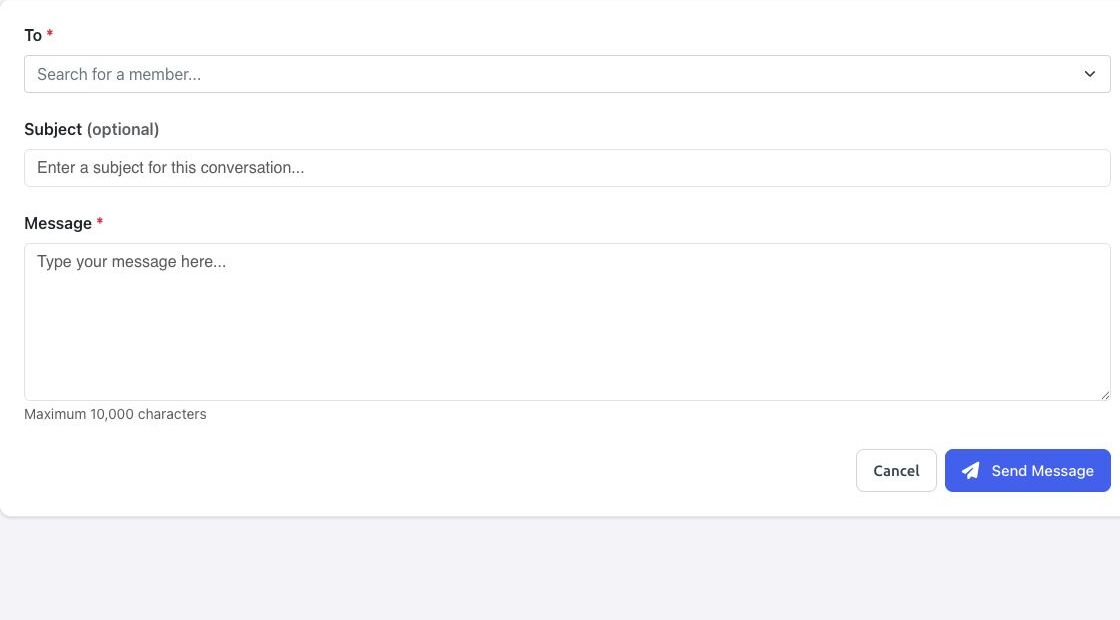
- Select New Message.
- Search for and select a member in To.
- Optionally enter a subject.
- Enter a message of up to 10,000 characters.
- Review the recipient and content, then select Send Message.
Use the inbox #
Open a conversation from Inbox to read or continue it. The Inbox can show an unread count. Move conversations that no longer need immediate attention to Archived; archiving organizes the inbox and is not the same as deleting a message. If no conversation has been archived, the Archived tab displays an empty state.
Privacy note: send confidential board information only to the intended member. Verify the recipient before sending, and use Documents with the appropriate permissions for controlled file access.


